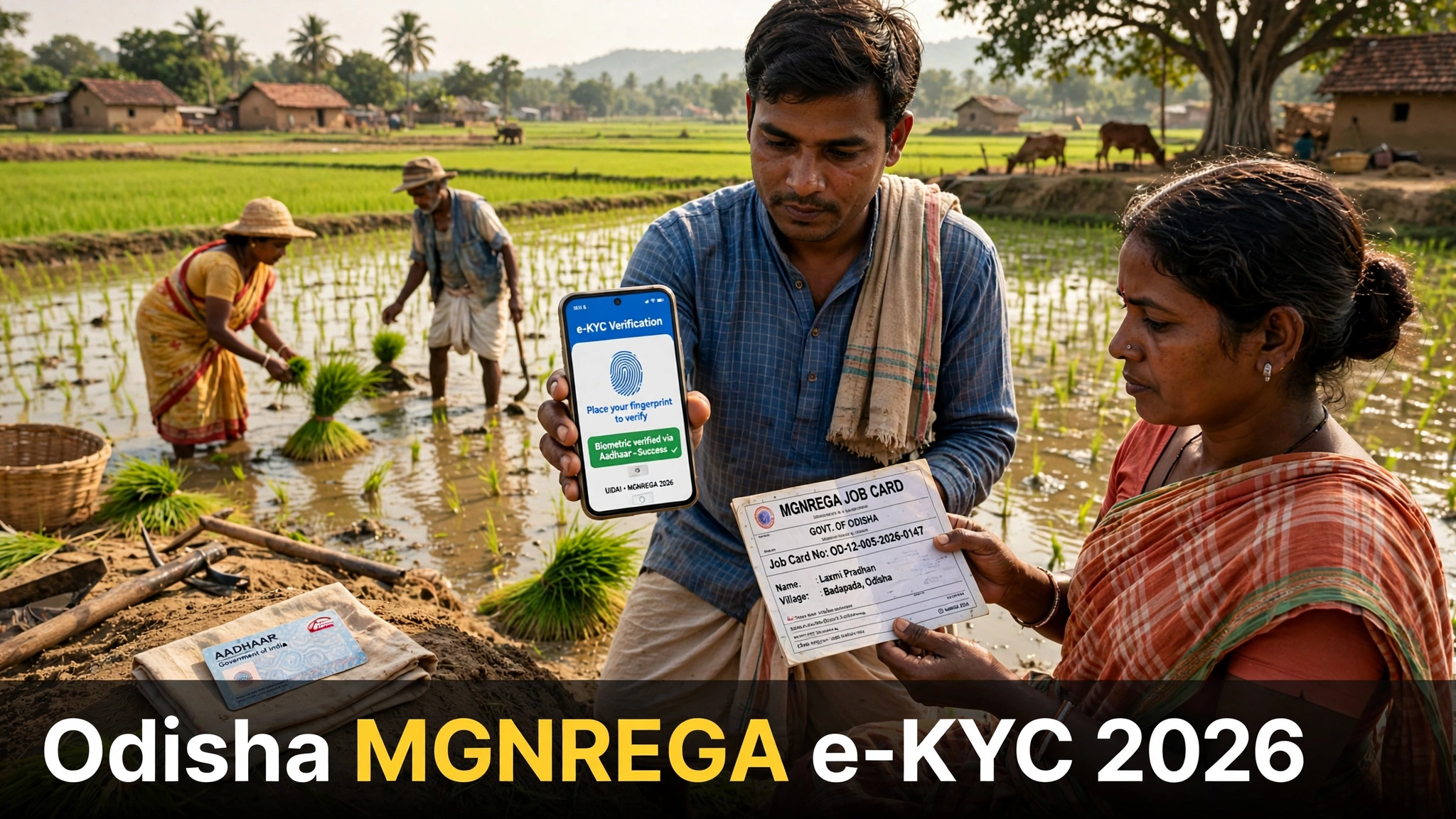
Odisha MGNREGA e-KYC 2026 (VB-G RAM G): Job Card Verification Process & Latest Update
Read in another language:
If your family holds a MGNREGA job card in Odisha, the Odisha MGNREGA e-KYC update concerns you directly. The state government has been running an Aadhaar-based e-KYC verification drive for every job card holder — and 2026 brought two developments you must know: the scheme itself has a new name, and the Centre has clarified what a pending e-KYC actually means for your right to work.
This guide walks you through the Odisha MGNREGA e-KYC process step by step — who needs it, how to finish it at your panchayat or CSC, what happens while it stays pending, and how to check your own job card status.
Is MGNREGA e-KYC Mandatory in Odisha? (Latest Update)
Short answer: the verification is being done for everyone, but a pending e-KYC does not take away your right to work. Here is the full picture. The Panchayati Raj and Drinking Water Department of Odisha started a state-wide campaign asking all job card holders to complete Aadhaar-based biometric e-KYC within a three-month window — the drive was announced by Panchayati Raj Minister Rabi Narayan Naik to clean fake and duplicate cards out of the system.
The Odisha MGNREGA e-KYC drive is the state’s way of making sure its job-card database holds only genuine workers.
At the national level, the Rural Development Ministry had already made Aadhaar e-KYC compulsory from 1 November 2025, done through face authentication on the NMMS attendance app. The verification moved fast — and then came the clarification that changes how you should read every “mandatory” headline. On 30 August 2026 the Centre stated clearly that e-KYC is a database-cleaning exercise, not a precondition for employment: a worker whose e-KYC is still pending can still demand and receive work, and an exception mechanism exists for such cases. By then, e-KYC had been completed for 15.89 crore workers — roughly 95% of active workers.
What this means for you: finish your e-KYC so your records stay clean and your wages keep flowing through the Aadhaar-based payment system — but know that your legal right to demand 100 days of work does not disappear while verification is pending.
MGNREGA Is Now VB-G RAM G — What Changed
The second big 2026 development is the new name. MGNREGA has been restructured as the Viksit Bharat Guarantee for Rozgar and Ajeevika Mission (Gramin) — shortened to VB-G RAM G. Every worker registered under the old MGNREGA has been moved to it automatically, whether their e-KYC is done or not. Your existing job card remains your identity document; only the name on fresh lists, apps and official communication now reads VB-G RAM G.
How to Complete Odisha MGNREGA e-KYC — Step by Step
The Odisha MGNREGA e-KYC process is simple and takes only a few minutes:
- Visit your nearest Gram Panchayat office or Common Service Centre (CSC) with your Aadhaar card and your MGNREGA job card.
- Share your Aadhaar number or job card number with the operator for authentication.
- Your fingerprint or iris scan is captured — on the NMMS app this happens as face authentication matched against your Aadhaar photograph.
- The details on your job card are matched with the Aadhaar database.
- Once the match succeeds, your e-KYC is marked complete and your job card record stays active.
If the authentication fails, get your biometrics updated at an Aadhaar centre first and then try again — most failures trace back to old fingerprints or a changed mobile number.
Why the Government Is Doing e-KYC
The entire exercise targets fake and duplicate job cards. Odisha has consistently ranked among the states with the highest number of such cards, and the administration has been striking them off the rolls in large numbers over the past few years. A clean roll means the guaranteed 100 days of wage employment actually reach genuine rural households instead of being siphoned off through ghost cards. That is why completing your Odisha MGNREGA e-KYC matters for every genuine worker. For national-level records and circulars, the official portal is nrega.nic.in.
How to Check Your Job Card Status
Before or after your e-KYC, verify your own entry. Our step-by-step guide explains the complete method: Odisha Job Card List 2026. Make sure your name, Aadhaar seeding status and active status are all correct — and if your card shows inactive after the verification drive, visit your panchayat office without delay.
Frequently Asked Questions
Is Odisha MGNREGA e-KYC compulsory?
The state is verifying every job card through Aadhaar e-KYC, so complete it. But per the Centre’s 30 August 2026 clarification, pending e-KYC alone cannot stop you from demanding or getting work.
What happens if I don’t complete e-KYC?
Your record stays unverified, which can hold up Aadhaar-based wage payments. Get it done at your panchayat or CSC to avoid trouble.
Where can I do my e-KYC?
You can complete your Odisha MGNREGA e-KYC at your Gram Panchayat office or any nearby Common Service Centre, carrying your Aadhaar card and job card.
What is VB-G RAM G?
The restructured name of MGNREGA from 2026 — Viksit Bharat Guarantee for Rozgar and Ajeevika Mission (Gramin). All old registrations were migrated automatically.
How do I check whether my e-KYC is done?
Ask at your panchayat office, or check your job card record through the method in our Odisha
Job Card List 2026 guide.
Can my wages be stopped while e-KYC is pending?
No. The Centre’s 30 August 2026 clarification says pending e-KYC cannot block your right to demand or receive work — an exception mechanism covers such cases. Still, complete the
What should I do if biometric authentication fails?
Get your biometrics updated at an Aadhaar centre first, then try again. Most failures come from old fingerprints or a changed mobile number — updating either usually fixes it.
More related schemes
Subhadra Yojana
OPSC Geologist Recruitment 2026: 5 Posts, Apply Online — Last Date Today (8 Oct)
Odisha Job Card List 2026