Ama Shasana WhatsApp Number & Helpline 14471: How to Give Feedback in Odisha
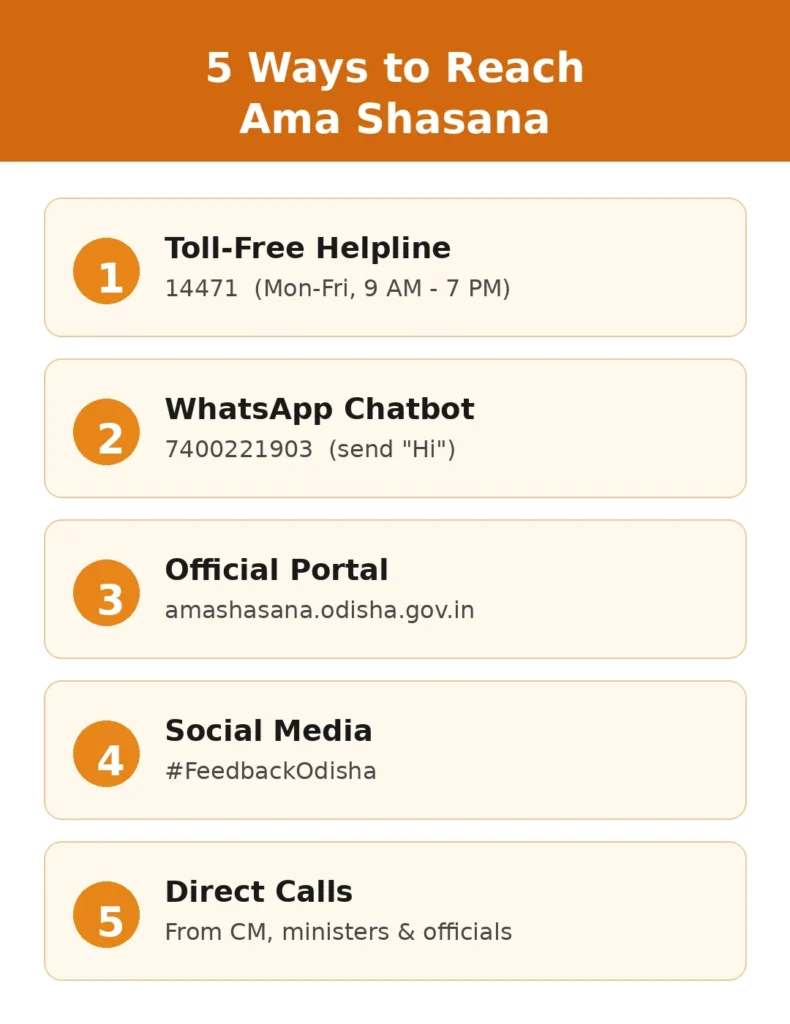
If you have used a government service in Odisha and want to tell the state how it went, Ama Shasana is the channel built for that. You can message the Ama Shasana WhatsApp number 7400221903, call the toll free helpline 14471, use the chatbot on the official portal, or post on social media with #FeedbackOdisha.This guide covers every channel, what Ama Shasana actually is, which schemes it covers, and a few things other websites get wrong.
Quick Answer: Ama Shasana Contact Details
| Channel | Details |
|---|---|
| Helpline (toll free) | 14471 |
| WhatsApp number | 7400221903 |
| Official website | amashasana.odisha.gov.in |
| Social media | Facebook, Instagram and X with #FeedbackOdisha |
| Launched on | 26 August 2025 |
| Launched by | Chief Minister Mohan Charan Majhi |
These contact details were announced by the Odisha Government at the launch event at Lok Seva Bhawan, Bhubaneswar, and reported by news agencies and several Odisha news outlets.
A warning about lookalike numbers. The WhatsApp number announced at launch is 7400221903. Before you send anything personal, confirm the number on the official portal. A lookalike number is an easy way for scammers to collect your details.
What Is Ama Shasana?
Ama Shasana means “Our Governance” in Odia. It is a citizen feedback initiative of the Odisha Government, and the Chief Minister has described it not as a new scheme but as a firm resolve to take governance to every village.
The idea is simple. When you use a government service, the government wants to hear how it went. Did the money reach you? Did the office staff treat you properly? Did you have to pay someone or visit five times? Your answers help departments spot problems that never show up in a file.
Ministers and senior officials also make random phone calls to beneficiaries. On launch day, the Chief Minister himself called a school student who had received help under the Shahid Madho Singh Haath Kharcha Yojana and asked her what she bought with the money and whether any school staff asked her for anything. He also spoke to rural housing beneficiaries.
Many people compare it with Mo Sarkar, the feedback programme of the earlier BJD government. Ama Shasana follows the same basic idea of calling people and asking about their experience, but it runs under the current government with its own portal, helpline and WhatsApp chatbot.
Ama Shasana Helpline Number 14471
The toll free helpline is 14471. It is free to call, and you can use it to share your experience with a government service or raise a complaint about how you were treated.
A few practical tips before you call:
- Keep the name of the scheme or service ready.
- Note the date you visited the office or received the benefit.
- Have your application number or beneficiary details nearby if you have them.
- Speak about one service at a time. It keeps your feedback clear.
If you missed a call that appeared to come from the Ama Shasana team, calling 14471 is the safest way to reach them. Do not call back an unknown mobile number.
Find related subhadra yojana schemes
Ama Shasana WhatsApp Number: 7400221903
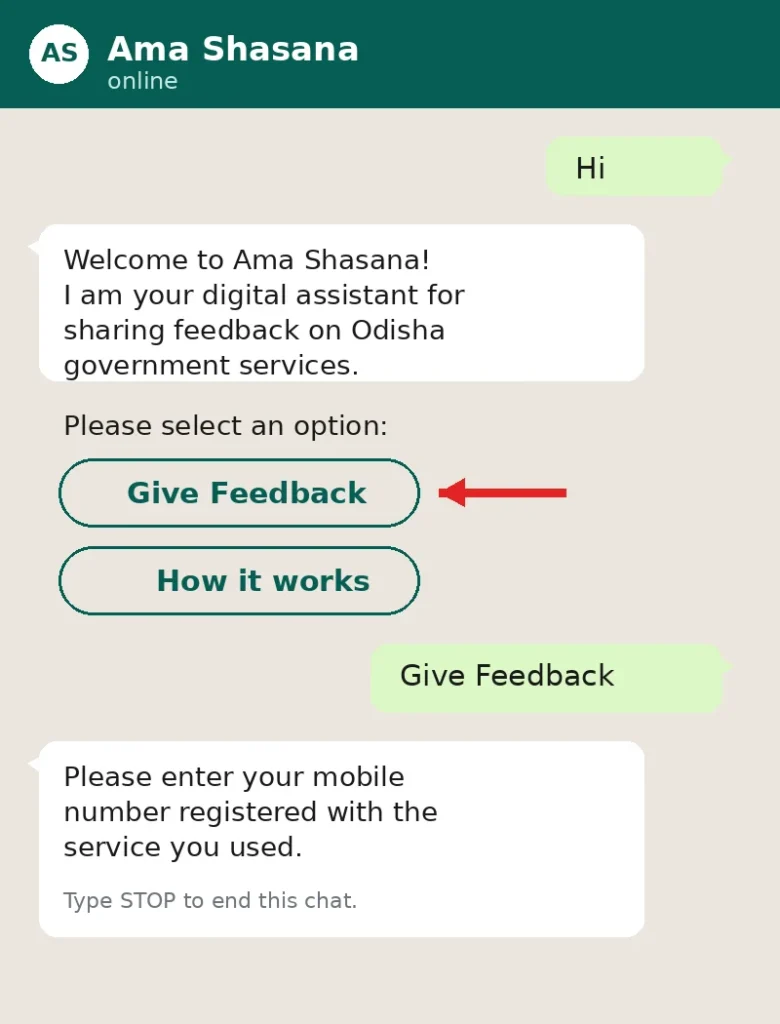
The WhatsApp number announced for Ama Shasana is 7400221903. It works as a chatbot, so you do not need to wait for a person to reply.

How to use it:
- Save 7400221903 in your phone as “Ama Shasana”.
- Open WhatsApp and start a chat with that contact.
- Send a simple “Hi” and follow the menu the chatbot shows.
- Choose the service you used and type your feedback in your own words.
Never share your OTP, bank PIN, UPI PIN or card details in this chat. A feedback service has no reason to ask for them.
How to Give Feedback Online on the Ama Shasana Portal
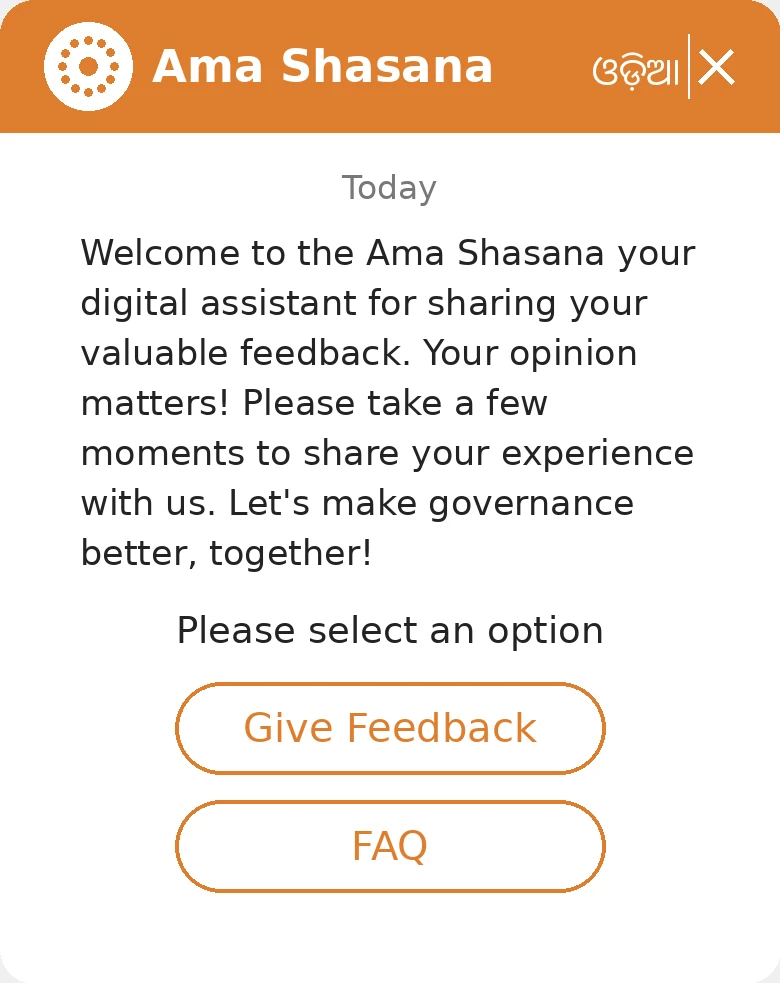
The state runs a dedicated website at amashasana.odisha.gov.in. The portal has a chatbot where you can type your feedback at any time of day.
Steps:
- Open the official website, amashasana.odisha.gov.in.
- Open the Ama Shasana chatbot on the page.
- Tap the Give Feedback option.
- Enter the details the chatbot asks for, including your mobile number.
- Select the service you used and type your feedback.
- Submit it.
Feedback is linked to services people have actually used, so if the chatbot cannot match your mobile number to a service, try the number you gave while applying. If it still does not work, call 14471 instead.
Other Ways to Reach Ama Shasana
Social media. You can post your feedback on Facebook, Instagram or X and add the hashtag #FeedbackOdisha. Keep it factual. Name the service, not just the person.
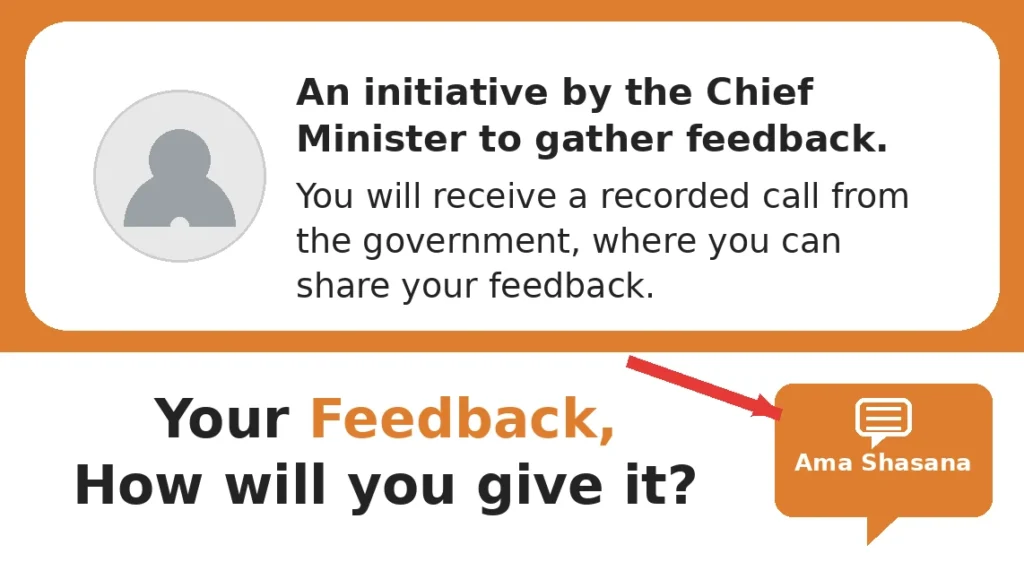
Direct feedback calls. The Chief Minister, ministers and senior officials may call beneficiaries at random. According to the government’s release, officials who visit different areas can also collect feedback on a mobile app during field visits.
More related Odisha schemes
1 kW Rooftop Solar System in Odisha for ₹1,875: Who Can Apply and How (2026)
Subhadra Yojana Application Status 2026: Check Online at subhadra.odisha.gov.in
Madhu Babu Pension Yojana New List Released: Check Beneficiary List, Status & Pension Amount 2026
Antyodaya Gruha Yojana Odisha 2026: Eligibility, Benefits & How to Apply
Odisha Job Card List 2026: Check Name, Job Card Number and Download Card
Madhubabu Pension Yojana 2026: Eligibility, Pension Amount, Online Apply, Status Check & Beneficiary List
Subhadra-yojanain.com/category/blog/page/2
Which Schemes and Services Does Ama Shasana Cover?
At launch, the programme started with 13 services from eight departments, according to the launch announcement. The government has said it plans to expand this to more than 150 services across about 20 departments over time.
So if you see a website claiming that all 150 services are already live, treat that as a plan rather than a confirmed fact. The chatbot menu shows what is currently available.
Schemes and services that have been mentioned in connection with Ama Shasana include:
| Scheme or service | Why it matters to you |
|---|---|
| Shahid Madho Singh Haath Kharcha Yojana | One time help for ST students; featured in the launch day call |
| Antyodaya Gruha Yojana (rural housing) | Housing beneficiaries were among those called at launch |
| CM KISAN Yojana | Farmer support; you can also check CM KISAN status in Odisha on its own portal |
| Subhadra Yojana | Women’s financial assistance; see our guide to Subhadra Yojana status |
The Subhadra scheme has its own official site at subhadra.odisha.gov.in, where you can handle applications and payment queries. Ama Shasana is for feedback on your experience, not for processing your application.
Ama Shasana vs Ama Sathi: Do Not Mix Them Up
Odisha has two WhatsApp services with similar names, and people confuse them all the time.
| Ama Shasana | Ama Sathi | |
|---|---|---|
| Purpose | Feedback and grievance on services | Apply for and track services |
| WhatsApp number | 7400221903 | 9437292000 (as reported) |
| Helpline | 14471 | None announced |
| Started | 26 August 2025 | 26 September 2025 |
If you want to get a certificate, track an application or use a service, Ama Sathi is the tool. If you want to tell the government how a service treated you, use Ama Shasana.
Tips for Giving Useful Feedback
Good feedback gets noticed. Vague feedback gets lost.
- Be specific. “The block office asked me to come four times” says more than “service is bad”.
- Give dates and place names. The office, the block and the date help officials trace the issue.
- Mention what went well too. Departments need to know what works.
- Stay calm and factual. Leave out abuse and personal attacks.
- Do not send Aadhaar, bank or OTP details unless you are on the official portal and are sure of what you are submitting.
Frequently Asked Questions
What is Ama Shasana?
Ama Shasana (“Our Governance”) is an Odisha Government initiative that collects citizen feedback on public services through a helpline, a WhatsApp chatbot, a website, social media and direct calls.
What is the Ama Shasana WhatsApp number?
The WhatsApp number announced at launch is 7400221903. Always confirm it on the official portal before sharing personal details.
What is the Ama Shasana helpline number?
The toll free helpline number is 14471.
Ama Shasana me feedback kaise dein?
Aap 14471 par call kar sakte hain, WhatsApp number 7400221903 par message bhej sakte hain, ya amashasana.odisha.gov.in par chatbot mein “Give Feedback” chun kar apna feedback likh sakte hain. Social media par #FeedbackOdisha ka use bhi kar sakte hain.
How to submit feedback online in Ama Shasana?
Open amashasana.odisha.gov.in, start the chatbot, choose Give Feedback, enter your details, pick the service you used and type your feedback.
Is Ama Shasana free?
Calling the helpline is toll free, and the government has not announced any charge for feedback. Nobody from the programme should ask you for money.
Who launched Ama Shasana?
Chief Minister Mohan Charan Majhi launched it on 26 August 2025 at Lok Seva Bhawan, Bhubaneswar.
Is Ama Shasana the same as Mo Sarkar?
No. Mo Sarkar was the earlier government’s programme. Ama Shasana is the current government’s own feedback system, though both aim to collect feedback by calling citizens.
Is Ama Shasana the same as Ama Sathi?
No. Ama Sathi is a separate WhatsApp bot for applying for and tracking services. Ama Shasana is for feedback.
Can I use Ama Shasana outside Odisha?
It is built for Odisha Government services, so it is meant for people who have used those services.
Disclaimer: This website is an unofficial informational website and is not associated with the Government of Odisha. Contact details above are as announced publicly at the scheme launch; always verify numbers on the official portal amashasana.odisha.gov.in before sharing personal information.